How to add, delete or edit payees or categories
Creating them while entering transactions
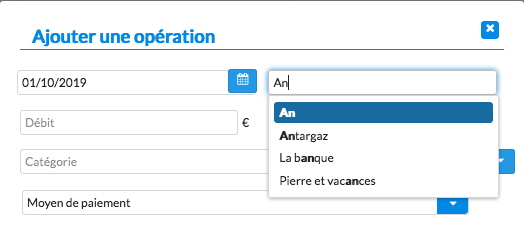
Payees and categories are usually created while recording a transaction. The application suggests a list of existing payees or categories based on what you type, but using them is not mandatory: if the payee or category you type does not exist, it is added automatically. This feature applies to both manual and scheduled transactions.
Managing them outside data entry
You can also manage payees and categories independently:
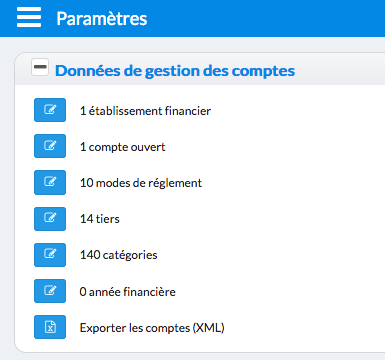
- Go to the "Settings" section of the application.
- Click the "+" icon to expand the available options.
- You then reach "Account Management Data".
Editing payees or categories
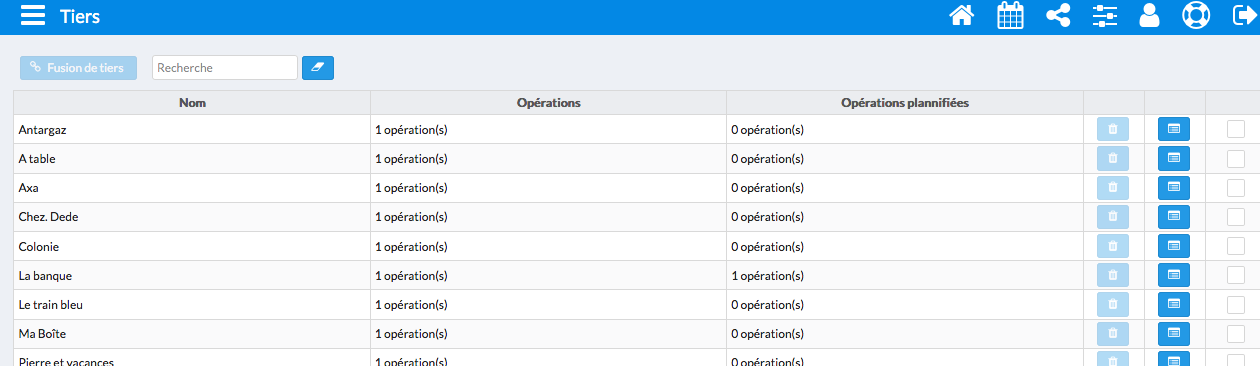
To add, edit or delete an item, click the "pencil" icon next to the number of payees or categories. This opens the dedicated management interface.
Related help: What is a "Payee"?